👉 😝 TLE 4TH QUARTER COMPILATION 😝 👈
Bumalik sa Nakaraan
LESSON 1
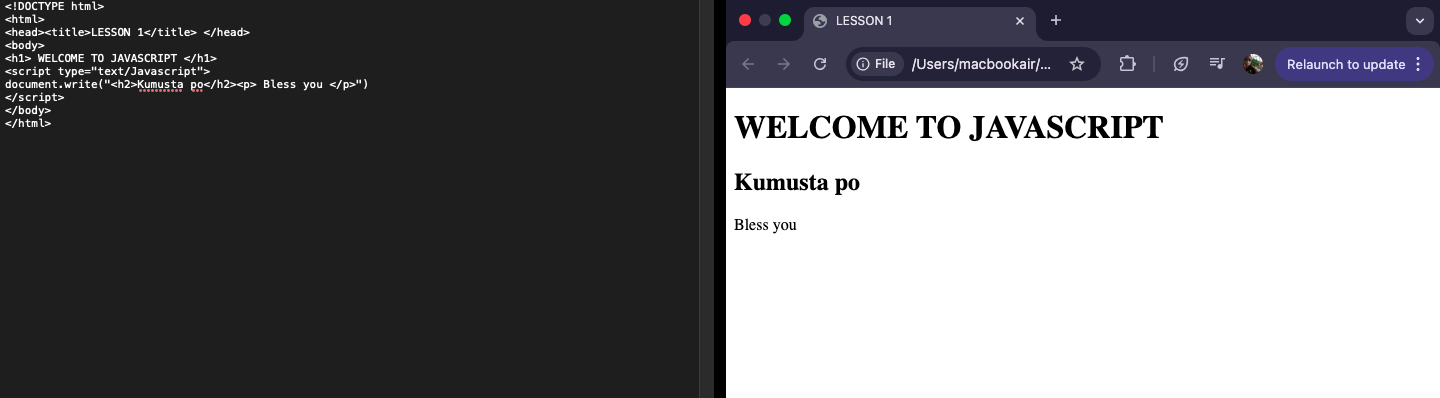
Before this lesson, I use to view websites mostly as websites itself. I do not get to see how it is structured and how it is coded. But now, I understand the difference between a static website and a dynamic website.
The core of this is JavaScript. I learned that it is the most popular scripting language on the internet because it works in all major browsers and adds interactivity! I was amazed to discover its history that as Mocha, then LiveScript before becoming the JavaScript we all know. I also realized that while HTML builds the skeleton and CSS handles the look and design, JavaScript provides the behavior and interactivity by reacting to user events such as mouse clicks.
LESSON 2
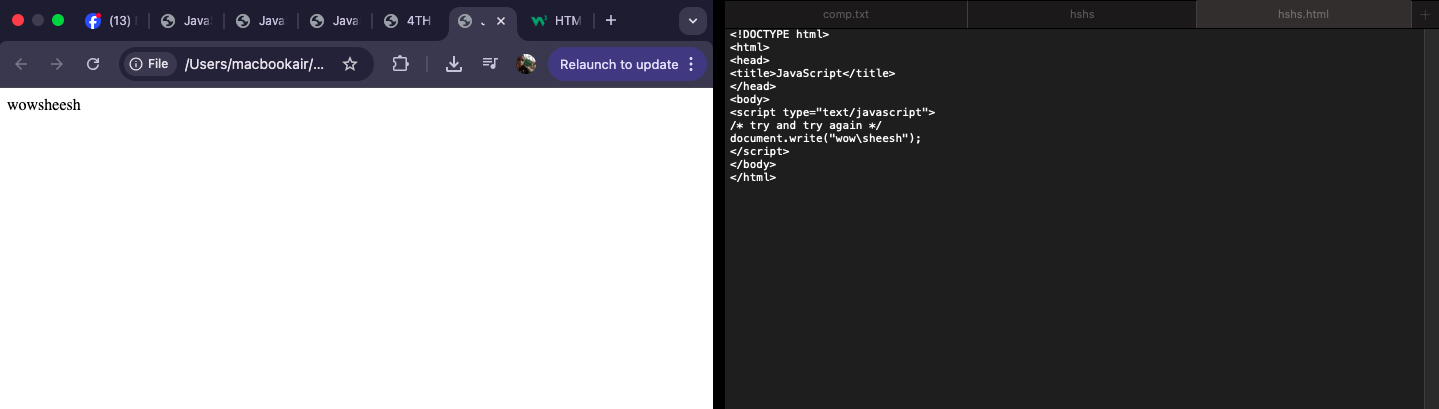
In this lesson, I realized that the organization of code is just as critical as the logic itself. I learned that scripts can be placed in the HEAD section or in the BODY to execute as the page loads. The most important thing that I also gained in this lesson is using external .js files, which allows me to control multiple HTML files without redundant coding. Furthermore, I really gained a deeper understanding of essential coding standards, such as the strict case sensitivity of variables of javascript and the proper use of comments. Overall, these guidelines have taught me that being a good programmer requires both structural planning and a attention to detail to make sure that the code is readable and free from error.
LESSON 3
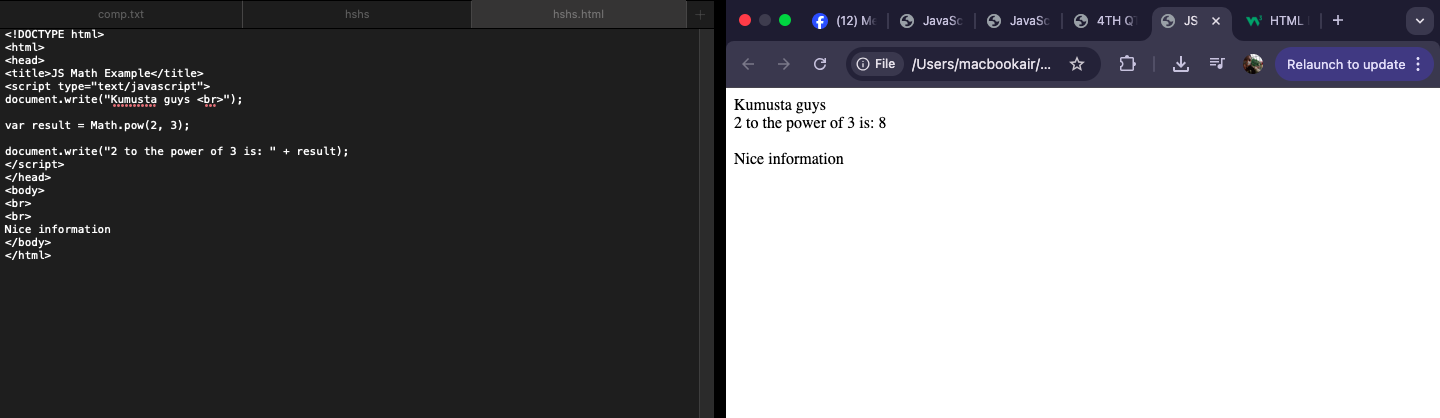
I learned that JAVASCRIPT is a powerful, client-side, interpreted scripting language designed to add interactivity to web pages. I realized that understanding JavaScript requires a knowledge of the most important components which are objects, methods, and properties. I realized the importance of syntax rules, such as strict sensitivity for case. Additionally, I learned how to manage data using variables or var, which act as containers for various data types like strings, integers, and booleans. All throughout, this lesson has given me a structured foundation for writing scripts that can respond to user events, transforming a static HTML document into a dynamic webpage for users.
LESSON 4
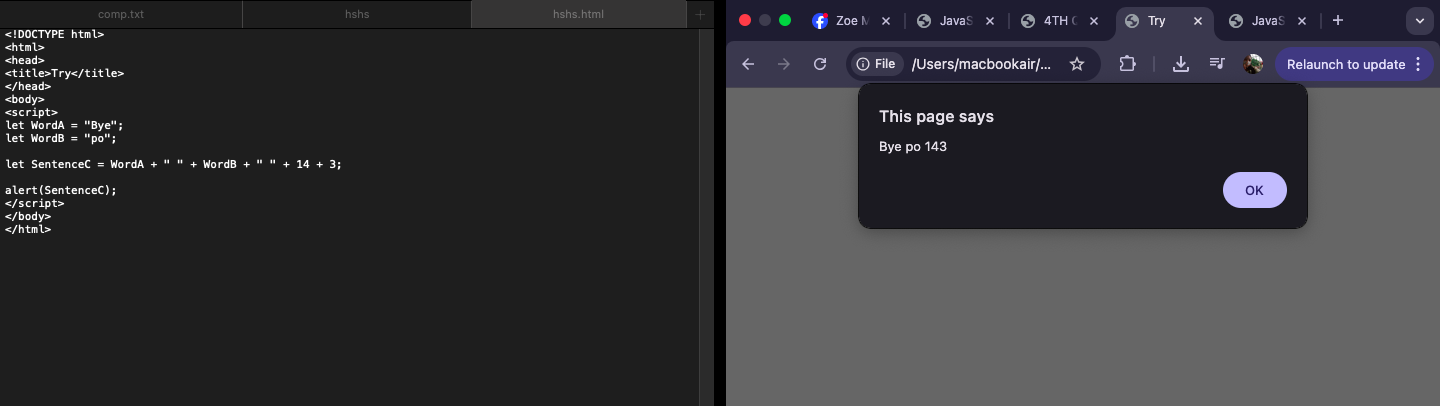
In this lesson on JavaScript events and logic, I also gained a much deeper understanding of how websites become interactive. I learned that events, such as mouse clicks, hover, focus, are the triggers that bring functions to life. It was, for me, interesting to see how specific attributes like onsubmit or onmouseover for form and animations allow a site to react to user behavior. I was dazzled to know how I can make my website like what I am doing for our AP interactive web more interactive and responsive than ever. I was interested when I discovered the utility of popup boxes, specifically alert, prompt, and confirm boxes as they can help me communicate with users.